Why Google Shows “Deceptive Site Ahead” and How to Fix It
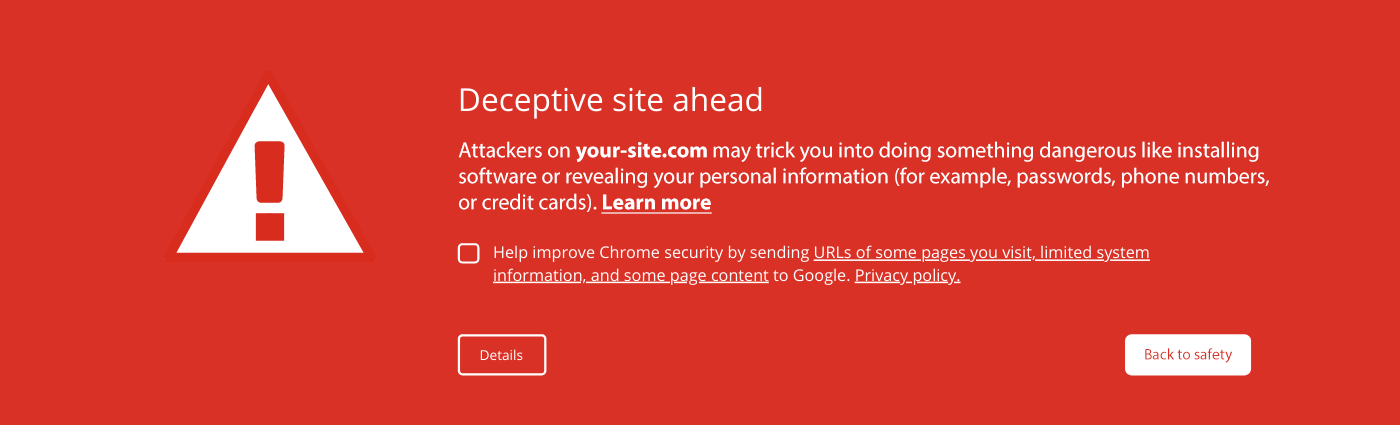
Have you ever entered a website and encountered a Deceptive Site Ahead warning? It’s because modern browsers and search engines like Google are becoming more aggressive in protecting users from phishing websites, malware, and suspicious activity. While this helps users stay safe online, legitimate businesses can also be affected if their website contains vulnerabilities, outdated plugins, suspicious scripts, or even historical security issues that were never properly resolved.
According to cybersecurity research, 60% of small businesses close within six months of being hacked. Another study showed that 50% of small businesses take more than 24 hours to recover from a cyberattack, while recovery costs can range from $15,000-$25,000.
For SMEs, this is not just a technical problem. It affects customer trust, online visibility, and business continuity.
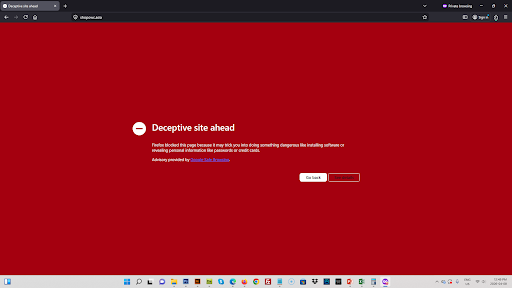
Recently, one of our clients, ShopOWC.asia, experienced this exact issue. Their website was flagged by Google with a “Deceptive Site Ahead” warning, affecting both customer confidence and online visibility. Instead of simply removing the warning temporarily, MIBC took a complete approach by investigating vulnerabilities, improving website performance, upgrading hosting infrastructure, and automating protection systems to prevent future risks.
What Happened to ShopOWC.asia?
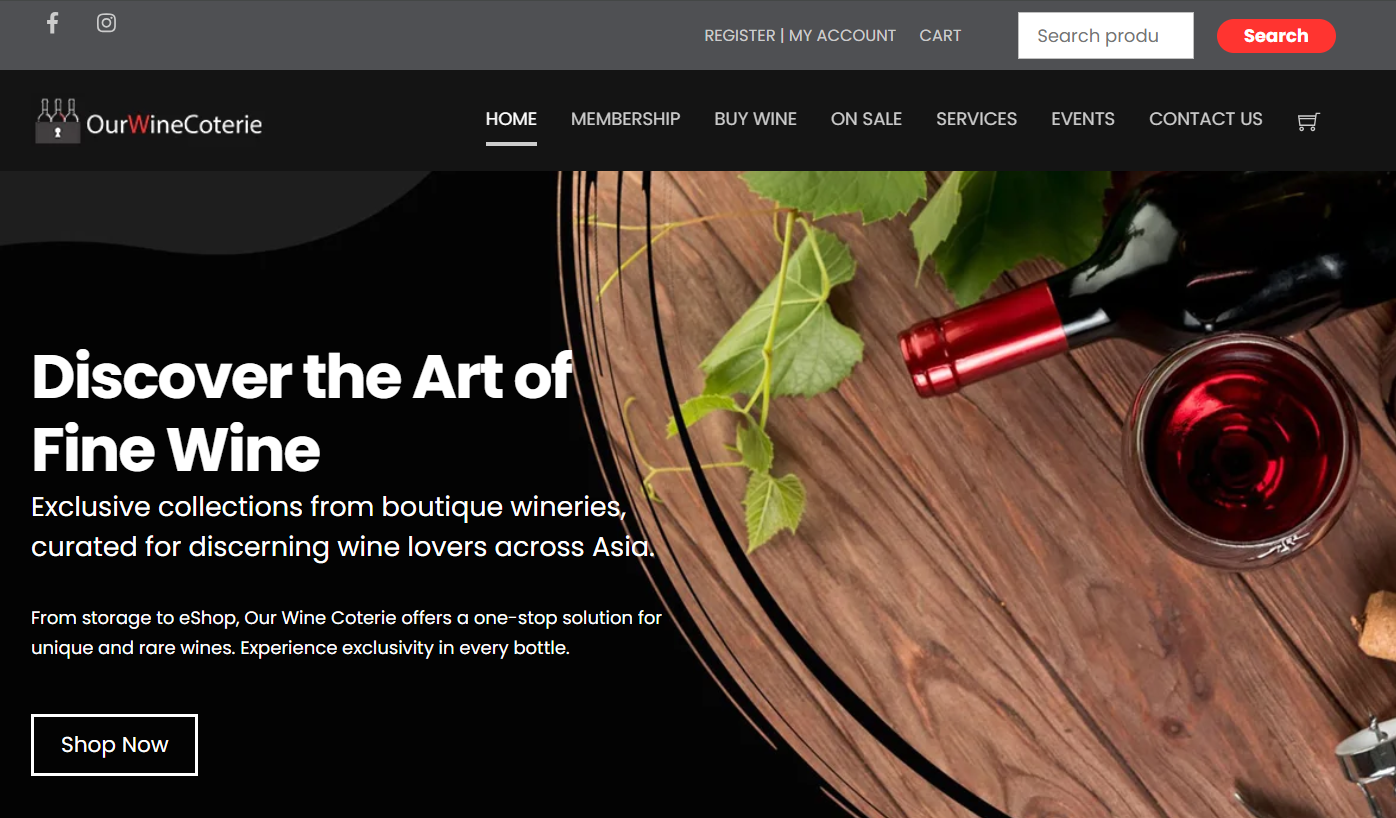
ShopOWC.asia, also known as Our Wine Coterie, offers a one-stop solution for unique and rare wines in Singapore. Their website plays an important role in helping customers explore exclusive wine collections and make enquiries online
However, the website suddenly received a “Deceptive Site Ahead” warning from Google Safe Browsing. For customers, this warning creates immediate fear because Google typically uses it to flag websites that may contain phishing attempts, malware, or harmful scripts designed to steal sensitive information such as passwords, payment details, or personal data.
The challenge with warnings like this is that they can happen even when a business is legitimate. This can happen for several reasons:
- False Positive: Google’s automated crawlers may have misinterpreted a script or form on your site.
- Historical Data: If there was a security issue in the past that has since been fixed, the warning remains until Google recrawls the site.
- Third-Party Resources: Sometimes, a plugin or script loading from an external domain that Google considers “untrustworthy” can trigger the warning.
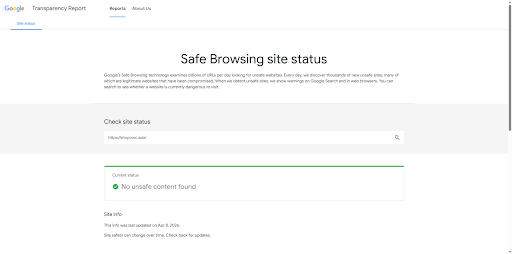
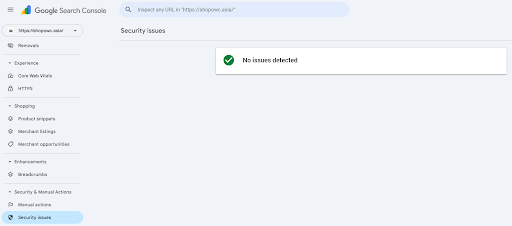
We performed multiple layers of security checks and website audits. Our security suite scanned that there were no active infections for malware, phishing pages, or malicious code. Since the website was clean, we identified that the issue was likely related to Google Safe Browsing’s detection system rather than a direct compromise.
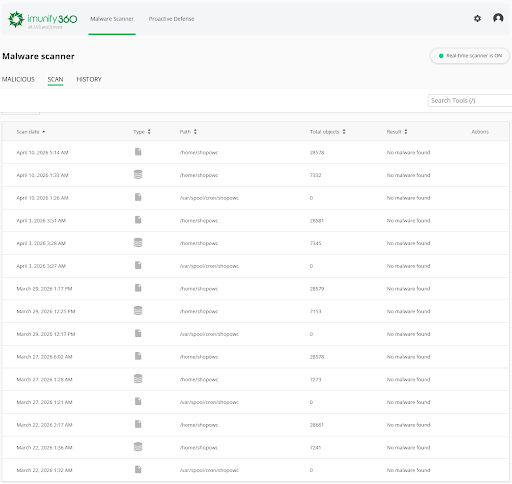
We then manually submitted a Review Request through Google Search Console to verify the website’s safety status, and the warning was removed within 24 to 48 hours.
The Result from Our Upgrade
At the same time, we did not stop at simply resolving the warning. We also updated outdated themes and plugins, improved the website’s overall performance, and upgraded its speed score from 40 to 68. This case highlights an important reality for SMEs in Singapore: website security is not a one-time setup. Continuous maintenance, monitoring, updates, backups, and vulnerability checks are necessary to prevent future issues and maintain customer trust.
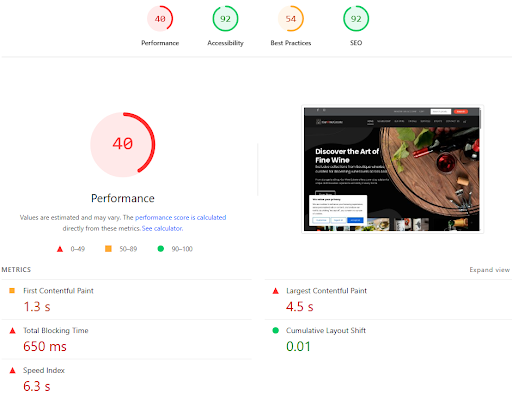
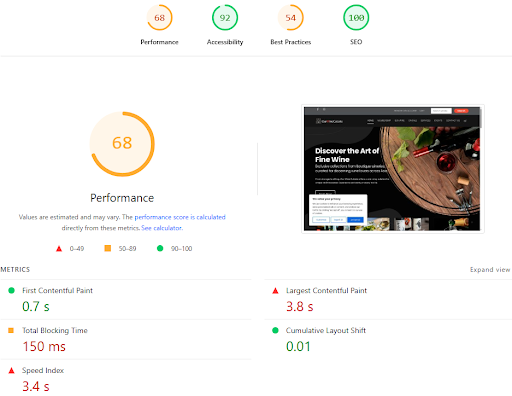
This improvement matters because website speed affects both user experience and SEO performance.
The upgraded hosting environment performs better because:
- The servers operate from a true Singapore-based data center, allowing traffic to remain local
- The hosting achieved approximately 16.5 ms ping within Singapore, creating extremely low latency
- LiteSpeed servers with built-in CDN technology improved content delivery speed
- The environment was specifically optimised for WordPress and WooCommerce websites
Beyond speed improvements, we also implemented multiple layers of automated website protection.
Our hosting system now includes:
- Reliable Daily Backups
Automated daily backups are stored off-server with rotating restore points, ensuring recovery options are always available if something goes wrong. - Built-In Malware Protection
Automatic malware scanners continuously monitor the hosting environment for suspicious activity, while server-level protections add extra layers of security. - Smart WordPress Auto-Updates
The system automatically updates WordPress core files, plugins, and themes while creating backups before every update. If a plugin fails during updates, the system safely prevents disruption instead of breaking the website.
This combination allows us to maintain efficiency, consistency, and stronger website protection without relying entirely on manual processes.
Closing
Warnings like “Deceptive Site Ahead” and any other warnings can seriously affect SEO rankings and customer trust. The ShopOWC.asia case study shows that website protection requires continuous monitoring, regular updates, performance optimisation, proper hosting infrastructure, backups, malware scanning, and fast response when issues appear.

At MIBC, we focus on helping Singapore SMEs protect and improve their websites through practical and long-term solutions. From vulnerability scans and malware checks to WooCommerce hosting optimisation and automated protection systems, our goal is to ensure your website stays secure, fast, and trustworthy for your customers.